


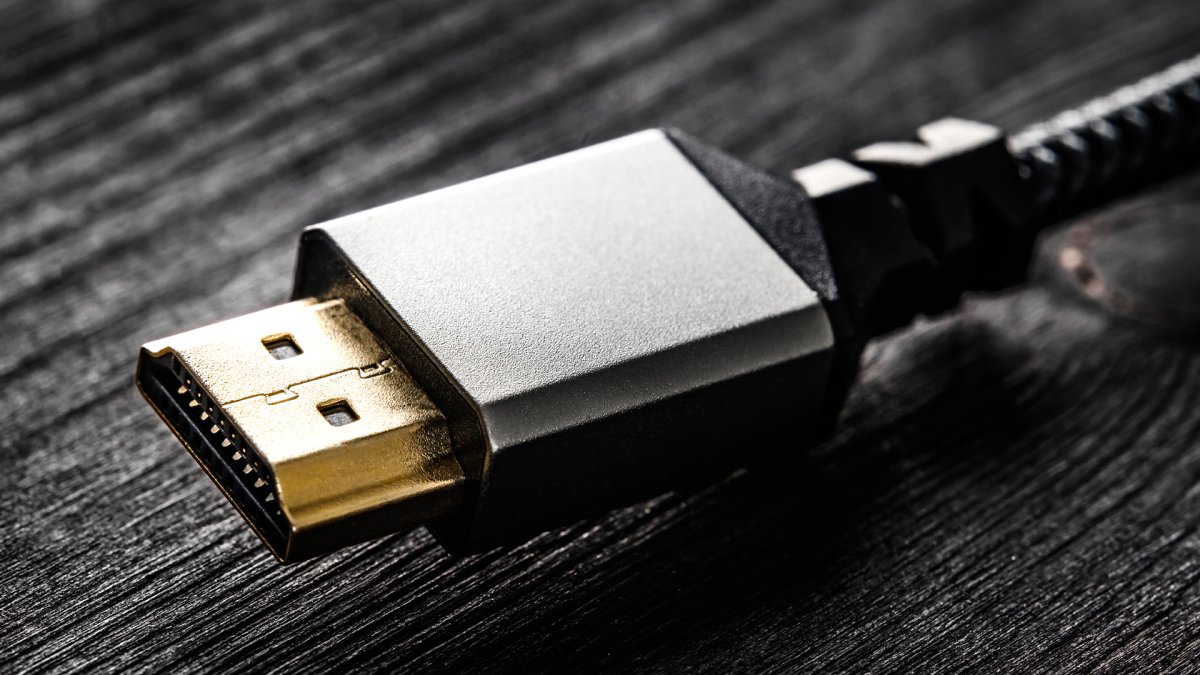
Budget
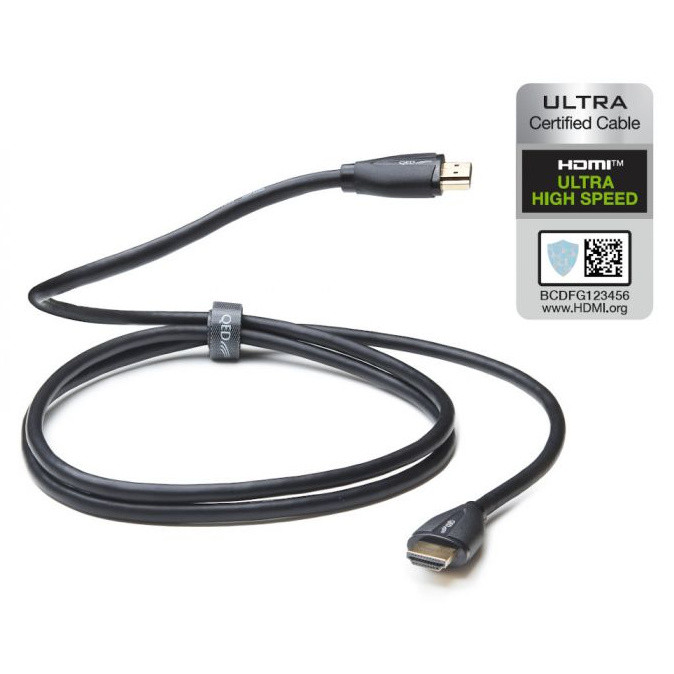
QED Performance UHS
1.5m & 3m lengths
From £32.95
- ✓ 48Gbps / 8K@60 & 4K@120
- ✓ 99.999% oxygen-free copper
- ✓ Triple-shielded construction
- ✓ eARC, HDR, VRR & ALLM
- ✓ HDMI Forum certified
Best Value
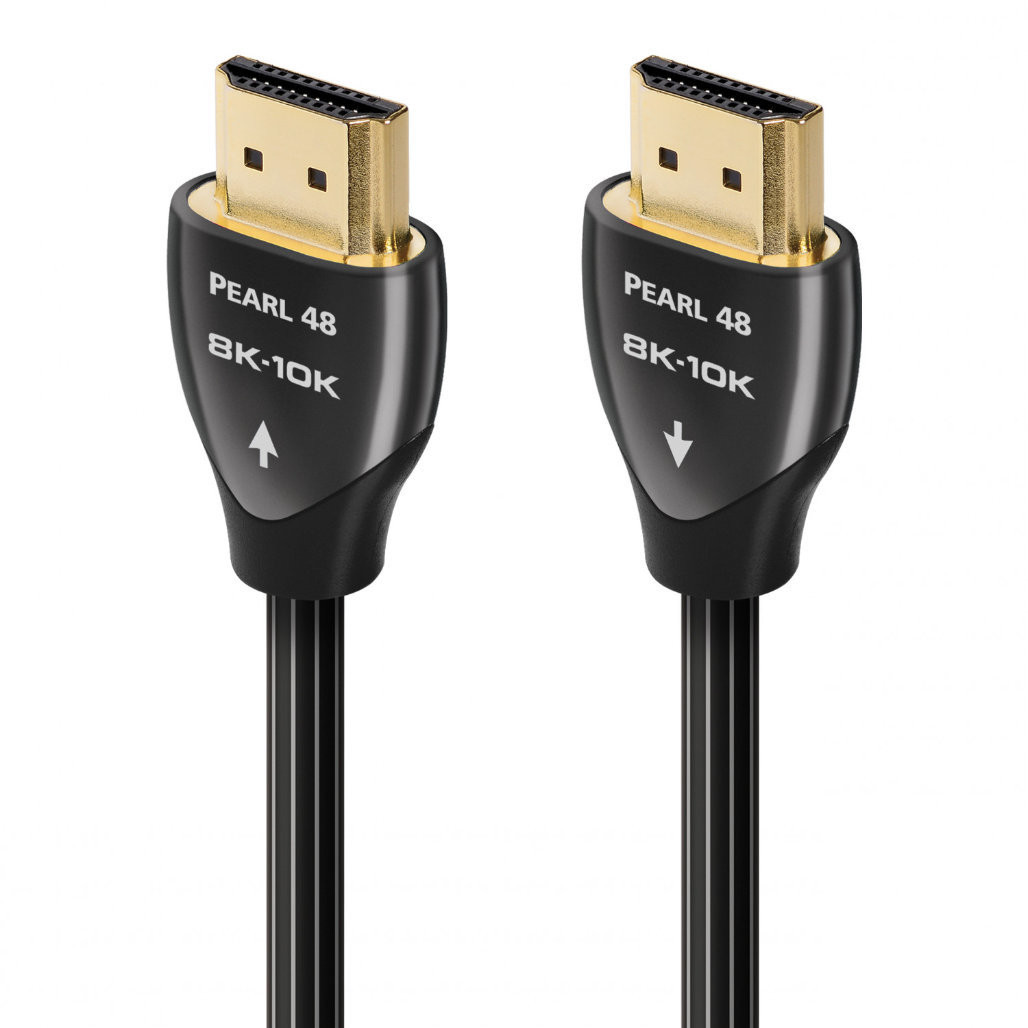
AudioQuest Pearl 48
0.6m to 5m lengths
From £36
- ✓ 48Gbps / 8K@60 & 4K@120
- ▲ Solid Long-Grain Copper (LGC)
- ▲ Direction-controlled conductors
- ✓ eARC, HDR, VRR & ALLM
- ▲ CL3/FT4 in-wall rated
Enthusiast
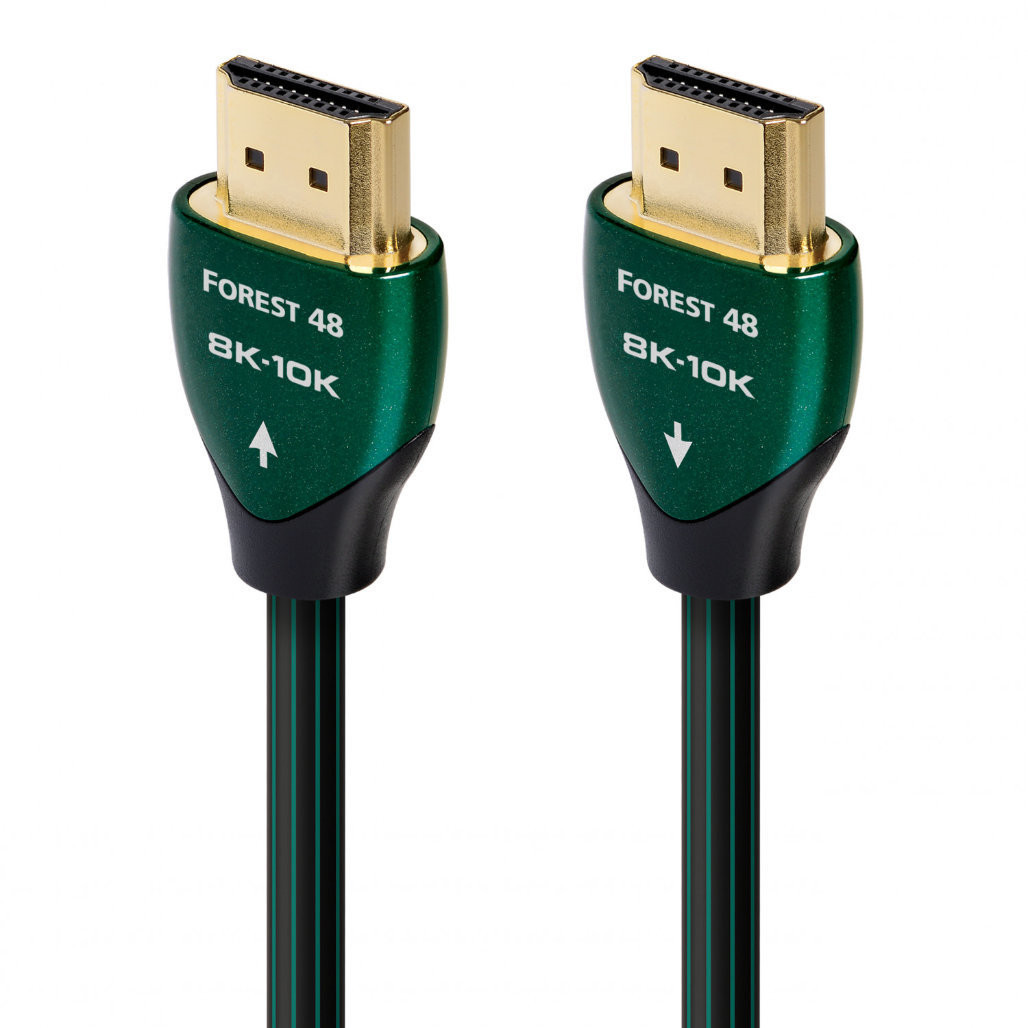
AudioQuest Forest 48
0.6m to 5m lengths
From £69.95
- ✓ 48Gbps / 8K@60 & 4K@120
- ▲ Solid 0.5% silver-plated LGC
- ▲ Level 2 noise dissipation (metal layer)
- ✓ eARC, HDR, VRR & ALLM
- ▲ All 19 conductors direction-controlled
Enthusiast
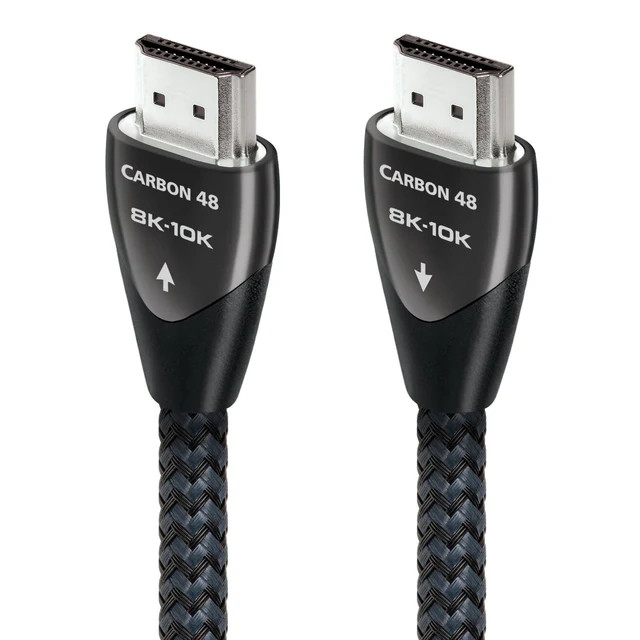
AudioQuest Carbon 48
0.6m to 3m lengths
From £149
- ✓ 48Gbps / 8K@60 & 4K@120
- ▲ 5% silver-plated LGC conductors
- ▲ Level 3 noise dissipation (carbon + metal)
- ▲ eARC priority with silver-plated pairs
- ▲ Braided jacket, all 19 conductors controlled
Premium
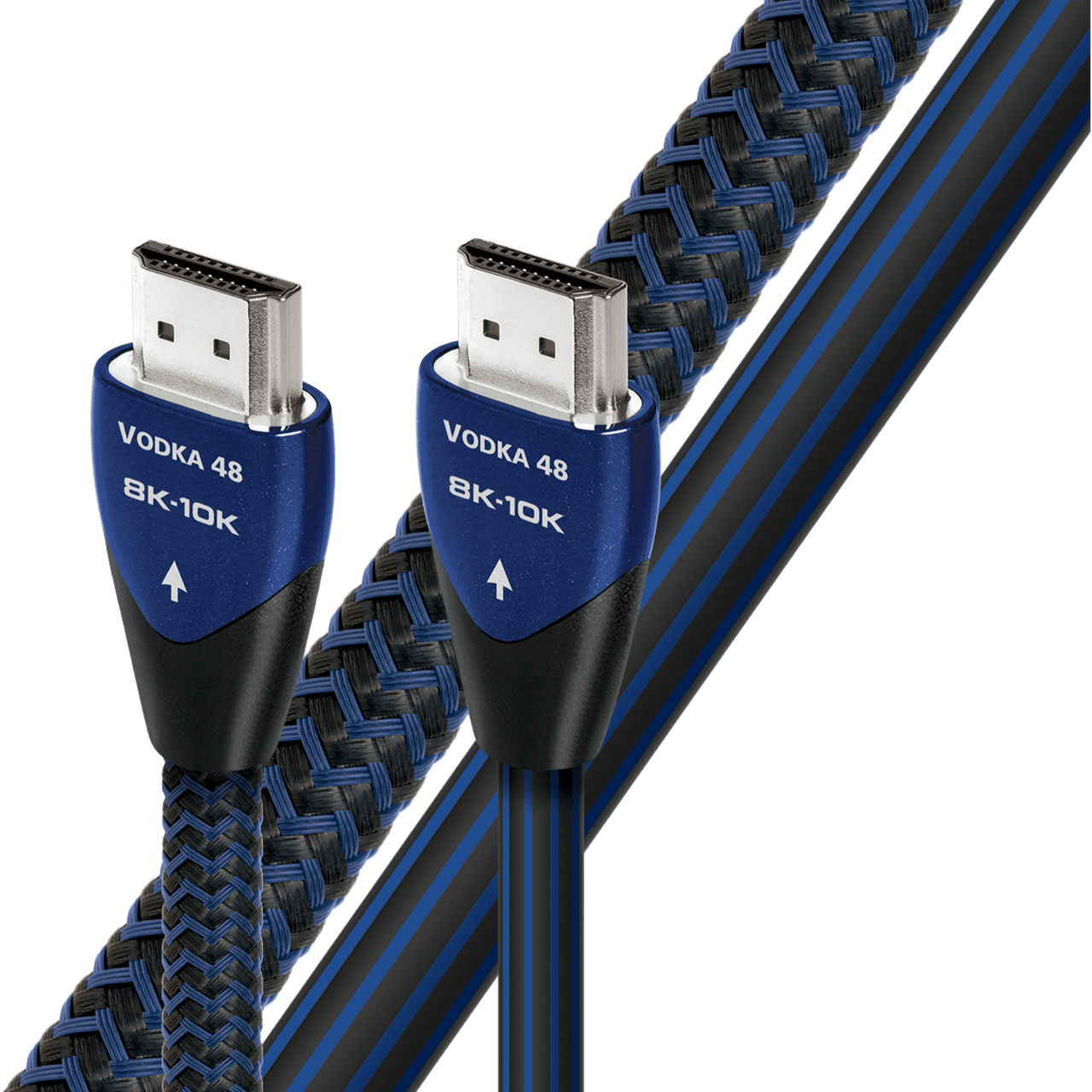
AudioQuest Vodka 48
0.6m to 3m lengths
From £449
- ✓ 48Gbps / 8K@60 & 4K@120
- ▲ 10% silver eARC conductors
- ✓ Level 3 noise dissipation (carbon + metal)
- ▲ eARC priority — best for Atmos passthrough
- ▲ Braided jacket, all 19 conductors controlled
The High-Definition Multimedia Interface has been the standard cable for carrying video and audio signals since the first specification was released in 2002, gradually phasing out older connections such as composite, VGA, and S-Video. Beyond picture and sound, HDMI also carries CEC (Consumer Electronics Control), allowing devices to control each other through a single remote, and HEC (HDMI Ethernet Channel), which enables network sharing between compatible devices.
Originally developed to be backward-compatible with DVI and using the same underlying signalling technology, the ubiquitous HDMI cable has been through multiple revisions since its introduction. The most recent specification is HDMI 2.2, announced at CES in January 2025 and formally released to manufacturers in June 2025 though consumer devices supporting it are not expected until 2027 at the earliest.
But what does any of that actually mean? An HDMI cable is just an HDMI cable, right?
As of early 2026, HDMI 2.1 remains the most up to date version of the format that is widely used and supported. This guide explains what it actually does, who benefits, and the pitfalls to watch out for before you spend any money on new equipment.
What Is HDMI 2.1?
HDMI 2.1 defines what an HDMI connection can carry: how much data, at what resolution and frame rate, and which audio and gaming features are supported. The specification was released in 2017, with the first compatible consumer devices — including the PlayStation 5, Xbox Series X, and LG's CX OLED range — arriving in late 2020. There is no need to worry about upgrading to 2.2 just yet.
The biggest change is bandwidth. HDMI 2.0 topped out at 18 Gbps using TMDS (Transition-Minimized Differential Signalling), whilst 2.1 employs FRL (Fixed Rate Link), pushing maximum bandwidth to 48 Gbps — almost three times the capacity.
TMDS and FRL Explained
HDMI carries a huge amount of information every second — picture, sound, and control signals all at once. To do that reliably over a cable, it needs a method of keeping everything in sync and ensuring nothing gets corrupted in transit.
TMDS is the original method HDMI has used since the beginning. It works well, but it is not especially efficient — a significant portion of the cable's capacity is used just keeping the signal stable rather than carrying actual picture and sound data. Think of it like posting letters where for every eight pages of content, you have to include two extra pages of verification just so the postman knows nothing got mangled.
FRL is the newer method introduced with HDMI 2.1. It is far more efficient, meaning much more of the cable's capacity goes towards actual content rather than housekeeping. Same postal analogy: only two extra pages for every sixteen of real content. This efficiency is what allows HDMI 2.1 to carry 4K and 8K signals at high refresh rates, along with gaming-specific features such as Variable Refresh Rate, Auto Low Latency Mode, and Display Stream Compression.
The Features That Matter
4K at 120 Hz
Doubles the frame rate of 4K content from 60 to 120 frames per second, delivering smoother, more responsive visuals — particularly in fast-paced gaming. The PlayStation 5, Xbox Series X, and modern gaming PCs can all output 4K at 120 Hz on supported titles.
Who benefits: Gamers with a compatible display. If you watch films and TV at their standard 24–30 Hz frame rates, this will not affect you.
8K at 60 Hz
HDMI 2.1 supports 8K resolution (7680 × 4320) at up to 60 Hz. Native 8K content remains scarce and very few consumer displays support it, making this a future-proofing feature rather than a practical one today.
Who benefits: Early adopters of 8K displays. At the time of writing, most manufacturers are pulling back from 8K models due to a lack of content and limited consumer interest.
eARC (Enhanced Audio Return Channel)
Standard ARC (Audio Return Channel) has been available since HDMI 1.4. It lets a television send audio back to a soundbar or AV receiver over the same HDMI cable that carries video. The limitation is bandwidth — ARC can only handle compressed audio formats.
eARC removes that bottleneck. It supports uncompressed 5.1 and 7.1 audio at up to 24-bit/192 kHz, along with lossless formats including Dolby TrueHD, Dolby Atmos, DTS-HD Master Audio, and DTS:X. With a capable soundbar or AV receiver, eARC lets your television pass through full-quality audio from streaming apps and connected sources without downgrading it.
Who benefits: Anyone using a soundbar or AV receiver who wants lossless audio from their television's built-in apps. Less critical if you connect source devices directly to your receiver, as audio goes straight to the receiver without needing ARC at all.
ALLM (Auto Low Latency Mode)
When you play a game, you want your display to prioritise speed over picture processing — this is what "game mode" does on most televisions. ALLM automates it. When a console or PC sends a gaming signal, the display (and any AV receiver in the chain) switches to its lowest-latency mode automatically, then reverts when you go back to watching a film.
Who benefits: Gamers who use the same display for gaming and video. It is a convenience feature — you can achieve the same result by switching manually, but ALLM means you never have to remember.
VRR (Variable Refresh Rate)
With a fixed refresh rate, your display updates at a set interval — typically 60 or 120 times per second. If the source cannot keep up, you get screen tearing or stuttering. VRR synchronises the display's refresh rate to the source's output frame by frame, eliminating both problems.
Who benefits: Gamers, particularly on consoles where frame rates fluctuate. PC gamers may already know similar technologies such as AMD FreeSync and NVIDIA G-Sync.
QFT (Quick Frame Transport)
QFT reduces the time it takes for a frame to travel from the source device to the display. Rather than sending data at a steady rate, QFT transmits each frame in shorter bursts, reducing overall latency.
Who benefits: Gamers and VR users who are sensitive to input lag. The improvement is subtle but measurable.
QMS (Quick Media Switching)
If you have noticed a brief black screen when switching between content at different frame rates — say from a 60 Hz menu to a 24 Hz film — that is the display re-syncing. QMS eliminates this by changing frame rates seamlessly, provided the resolution stays the same.
Who benefits: Anyone who finds the momentary blackout distracting when switching content. A small quality-of-life improvement for home cinema setups.
Who Needs HDMI 2.1?
Gamers have the strongest reason to care. 4K at 120 Hz, VRR, ALLM, and QFT are all gaming-focused features, and current-generation consoles were designed to use them. If you game on a television, HDMI 2.1 makes a tangible difference.
Home cinema enthusiasts benefit mainly from eARC. If you route audio through your television to a soundbar or AV receiver and want lossless Dolby Atmos or DTS:X, eARC is the reliable way to get it. QMS is also a welcome improvement for anyone who dislikes the blackout when switching frame rates.
Music listeners using a soundbar or AV receiver through their television will appreciate eARC's high-resolution audio support, though connecting a source directly to the receiver bypasses the need for eARC entirely.
Casual viewers watching streaming content and broadcast television at up to 4K will see little practical benefit. HDMI 2.0 handles 4K at 60 Hz with HDR perfectly well.
The Gotchas
All HDMI 2.1 Features Are Optional
In December 2021, the HDMI Licensing Administrator confirmed that HDMI 2.0 as a designation no longer exists. All devices are now tested under HDMI 2.1 compliance — even if they support none of the new features. A device can legally carry an "HDMI 2.1" label while offering only the same capabilities as an older HDMI 2.0 product. Every feature — FRL, VRR, ALLM, eARC, QMS, QFT, and Dynamic HDR — is optional.
What to do: Never buy based on the "HDMI 2.1" label alone. Check the specification sheet for the individual features you need. If it simply says "HDMI 2.1" without listing specific supported features, treat that as a warning sign.
Partial Implementations
Some televisions and AV receivers support HDMI 2.1 features on only some of their ports. A television might have four HDMI inputs but only two that support 4K at 120 Hz or VRR. Others support eARC on only one specific port. Always check which port supports which features — the manual or manufacturer's website is the most reliable source.
Cable Confusion
HDMI 2.1's full 48 Gbps bandwidth requires an Ultra High Speed HDMI cable. Older High Speed (10.2 Gbps) and Premium High Speed (18 Gbps) cables cannot deliver 48 Gbps and will not support 4K at 120 Hz or 8K at 60 Hz.
The HDMI Forum introduced a mandatory certification programme for Ultra High Speed cables. Certified cables carry a scannable QR label on their packaging. If a cable lacks this label, there is no guarantee it meets the specification. Look for the words "Ultra High Speed HDMI" — not just "HDMI 2.1", which is not an official cable designation.
For eARC alone, an existing High Speed HDMI cable with Ethernet may work, but an Ultra High Speed cable is the safest choice for full feature support.
How to Check Your Setup
Check your television's settings menu. Most modern televisions have an HDMI signal information screen (often called "HDMI Signal Format" or "Input Signal") showing resolution, frame rate, HDR status, and colour depth per port.
Enable full bandwidth mode. Some televisions require you to switch on "enhanced" or "full bandwidth" mode per HDMI port before accepting a 4K at 120 Hz signal. Look for labels like "HDMI Enhanced Signal" or "Input Signal Plus" in your television's settings.
Check your source device. On PlayStation 5, go to Settings > Screen and Video. On Xbox Series X, check Settings > General > TV & Display Options > 4K TV Details.
Verify your AV receiver. If your signal passes through an AV receiver, confirm it supports HDMI 2.1 passthrough at the bandwidth you need. Some older receivers bottleneck the signal to 18 Gbps.
Test your cables. If you are not getting the expected resolution or frame rate, swap to a certified Ultra High Speed HDMI cable. Cable issues are the most common — and most easily fixed — cause of problems.
Verdict
If you game on a console or PC connected to a television, HDMI 2.1 is worth seeking out. VRR, ALLM, and 4K at 120 Hz make a genuine difference to the experience. Home cinema users who route audio through their television should prioritise eARC on both the television and their soundbar or AV receiver.
For casual viewers, HDMI 2.0-level capabilities remain perfectly adequate. There is no need to pay a premium for features you will not use. Whichever category you fall into, check the specific features on the specification sheet — not just the "HDMI 2.1" label — and use a certified Ultra High Speed HDMI cable if you need the full 48 Gbps bandwidth.